
 Table of Contents
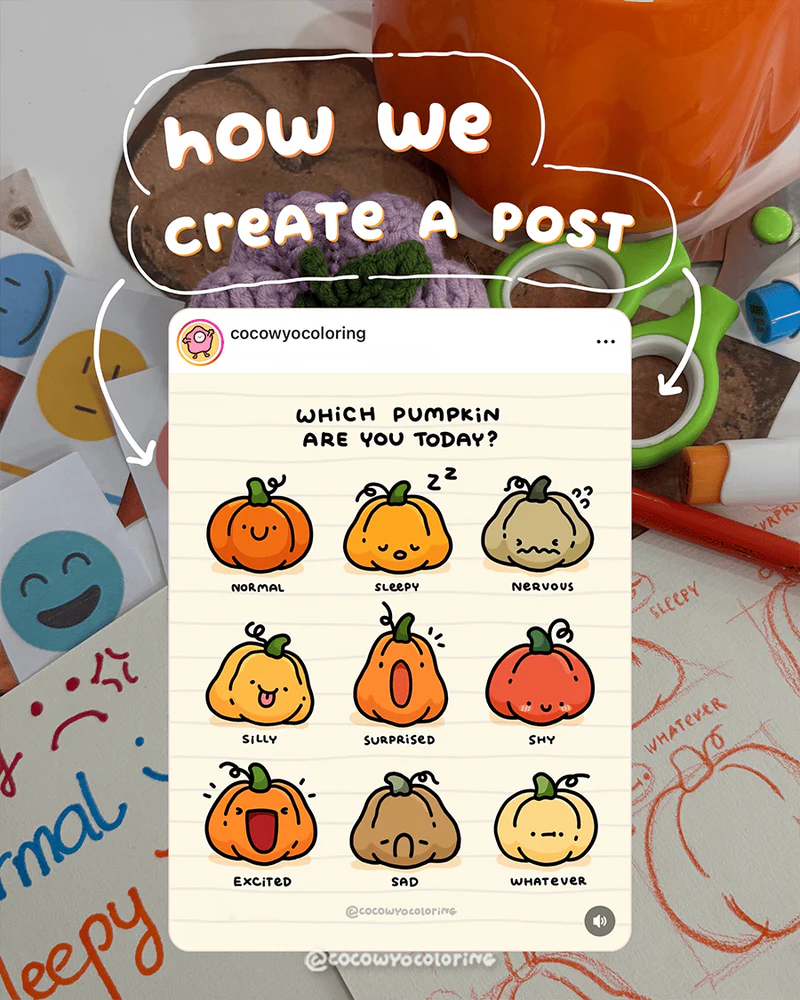
Sometimes the best posts aren’t planned, they just happen.
A few sketches, a bit of mood, that moment when colors start to feel like emotions and plenty of coffee. That’s the story behind this coloring post.
Let’s see how it turned into something everyone can relate to!
Vibe Check
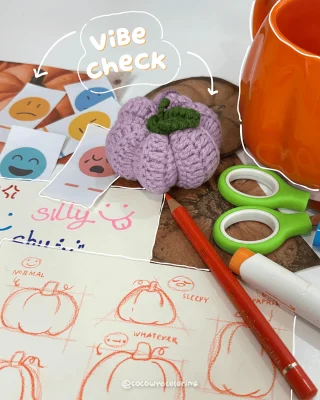
Gotta set the mood before the colors roll in!
Before diving into the sketch, we always check the vibe, basically where we decide what feeling relatable the drawing should have. Cozy, sleepy or maybe a little “whatever” kind of day.
Sketching Time
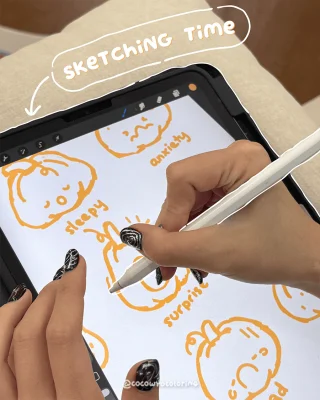
Now comes the fun part with sketching! It’s messy, fun and full of “oops, that’s actually cute” moments.
Sketching time means letting ideas flow. We test out expressions, play with simple lines and see which pumpkin mood fits the story best.
It might take a few tries to get it right, but this stage is where everything begins. A solid sketch builds the foundation for everything that comes after.
Lining it up
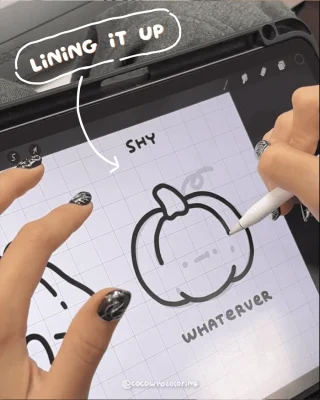
When the sketch finally looks balanced, we fade it down a bit and start tracing those confident lines.
This step in the digital art coloring process feels so satisfying when the shapes settle in, the lines feel smooth and everything starts to come together.
Perfect lines are nice, but sometimes the ones with a little wobble tell the story better!
Base Colors On
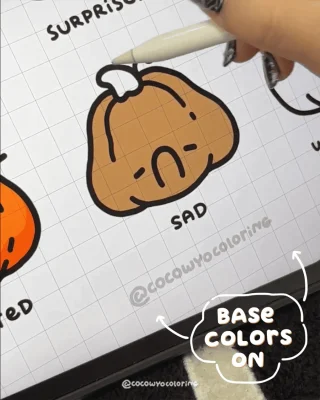
We love this part, laying down the base colors and testing how the palette works together. It’s where we balance tones, check contrast, and make sure the lighting feels right.
Tip: keep your base tones a bit lighter than you think, it’s easier to build depth later than to tone it down.
Final Touch
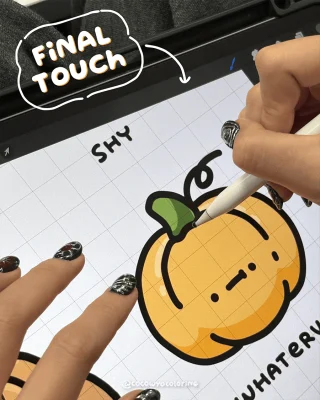 Now for the final touch, adding soft shading, tiny highlights, and a few gel pen pops. In this step-by-step coloring illustration, those small touches give the drawing real depth and charm.
And just like that, our little pumpkin looks as cute as we imagined and is ready to hit save🎃
FAQs
Not at all. You only need a place to store the file. Once the PNG is downloaded, it stays on your device and you don’t need to log in again.
You can use them for quiet self-care moments, add them to your journal, print them as simple cards, color them on your iPad, or keep them handy for easy weekend activities with loved ones.
- Make a dedicated folder on your iPad or laptop so everything stays neat.
- Rename each file after you download it, so it’s easy to find later.
- Keep a backup in iCloud or Google Drive in case your device gets full or needs a reset.
- One simple idea: create a folder called “CocoWyo Freebies” to keep all your pages together in one cozy place.
Yes. Most printable sheets import smoothly into digital planners, including free printable Christmas coloring sheets. You can resize them, add stickers, and keep everything organized in your journal app.
Once saved, they’re yours. Our websites rotate their freebies seasonally, but your downloaded file won’t disappear from your device.
We don’t follow a strict schedule, but we usually add new freebies about twice a month. It’s always a good idea to check back now and then so you can grab the fresh ones as soon as they go up.
Most devices handle PNG coloring well. On iPhone, people often use Procreate, Goodnotes, or Adobe Fresco. On Android, apps like Ibis Paint X, Sketchbook and Medibang work smoothly. It really depends on what feels comfortable for you and how simple or detailed you like your coloring to be.